A runtime,
not a library.
Other frameworks hand you primitives and ask you to build the agent. agntz is the agent — you describe it, the runtime runs it.
Edit YAML. Run. Done.
Your agent definition is a file. Change it, version it, deploy it like any other config. No framework migration. No glue code between iterations.
Write the YAML.
One file describes the model, instruction, tools, and auth. Lives in your repo next to everything else you ship.
One call.
Hand the runtime an agent id and an input. It drives the loop — tool calls, retries, context windowing, sessions.
Edit. Re-run.
Tweak the YAML, commit it, ship it. Agents review in PRs and deploy with the rest of your config.
The hard parts,
done.
Everything the runtime handles so you don't have to build, test, and maintain it. The cards link to the docs for the shipped runtime surface.
Agent loop
Tool calling, multi-step reasoning, automatic retries on transient failure. You don't write the while-loop.
Learn about the agent loopSessions
Resumable across processes. Multimodal input. Reply to any past session — state is durable, not in-memory.
Learn about sessionsTools
MCP servers, HTTP APIs, and local TypeScript or Python functions — declared the same way. OAuth2, refresh, and credential redaction included.
Learn about toolsContext management
Windowing and summarization handled by the runtime. Long sessions don't blow past the model's context.
Learn about contextTracing
Every step, every tool call, every token — captured. JSON locally; full timeline UI in hosted.
Learn about tracingEvals
First-class eval records with reusable datasets, async runs, cancellation, and latest score queries.
Same engine.
Three ways to run it.
The runner is production-grade on day one. Pick where it lives based on how your team works — your YAML is the same in all three.
@agntz/sdk
Embed it in your Node app.
agntz.co
Skip the operations.
agntz on your infra
Same UI, your perimeter.
Iterate
without rewrites.
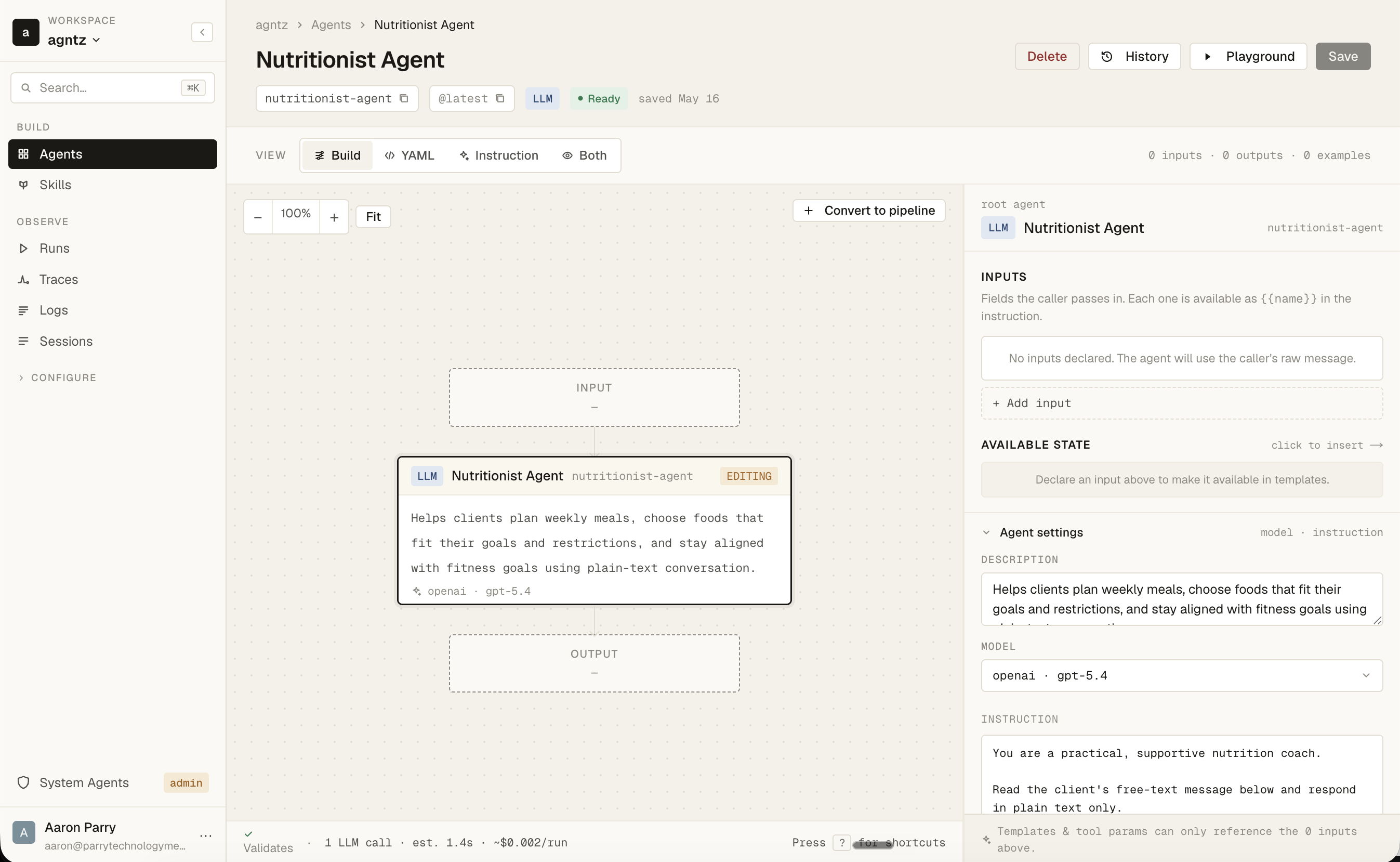
When you're ready for collaboration, versioning, and visual debugging — your YAML moves with you, unchanged. Same agent file, same runtime, more surface.
Run the platform
yourself.
Same app, site, and worker packages, your infrastructure. No vendor lock-in, and no data leaving your perimeter.
Ship your first agent
today.
Install the runner. Write a YAML file. Call run. That's it.
The whole loop is the runtime's job. Yours is the YAML.